

Heads up, friends: this post has affiliate links, and if you shop with my code I may earn a little something at no extra cost to you. I only ever share what I genuinely love. 💛
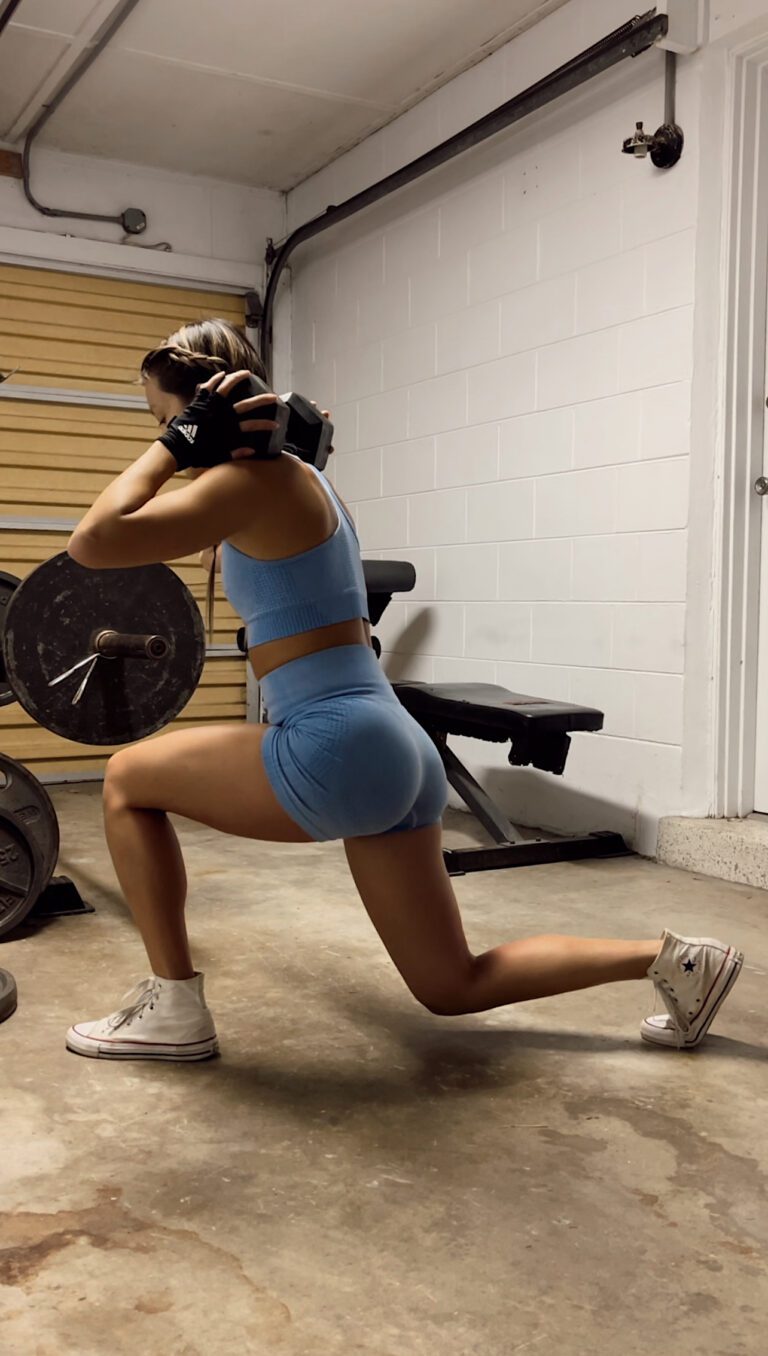
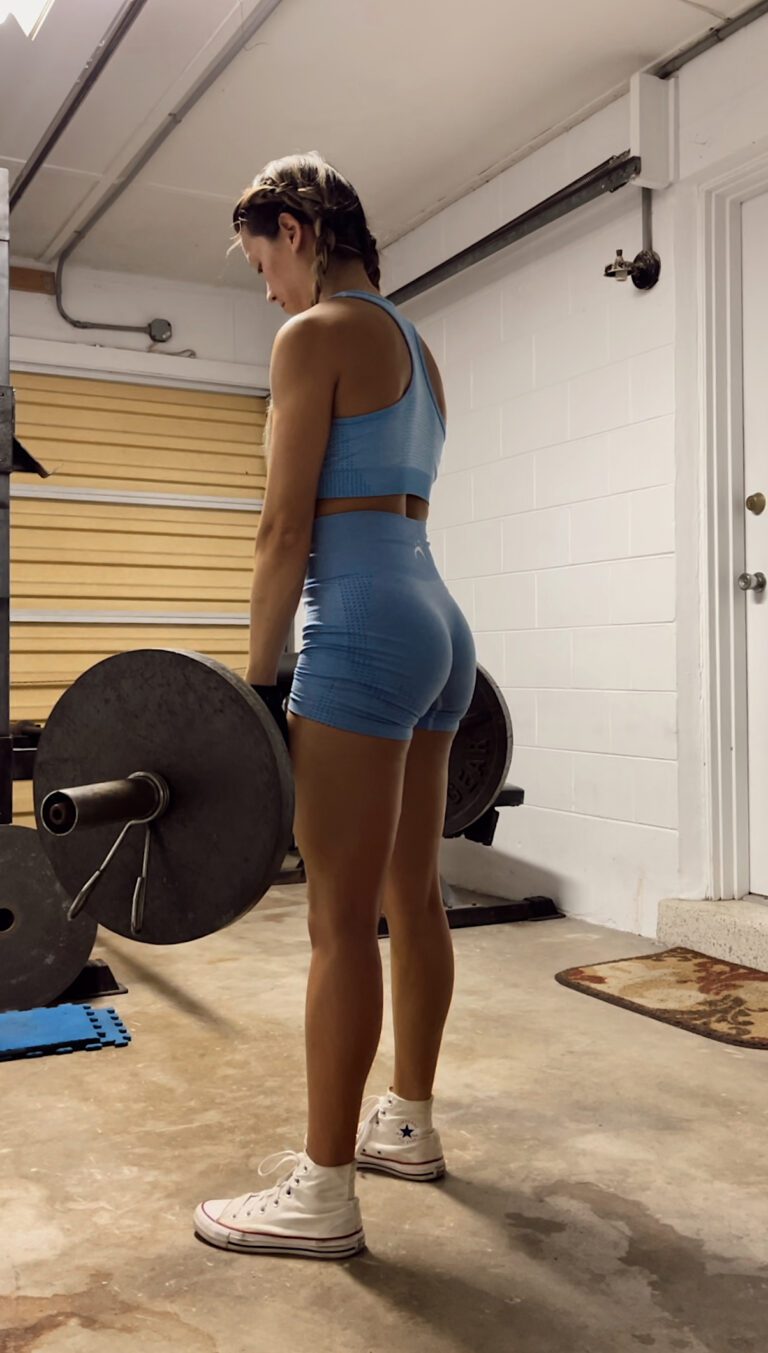
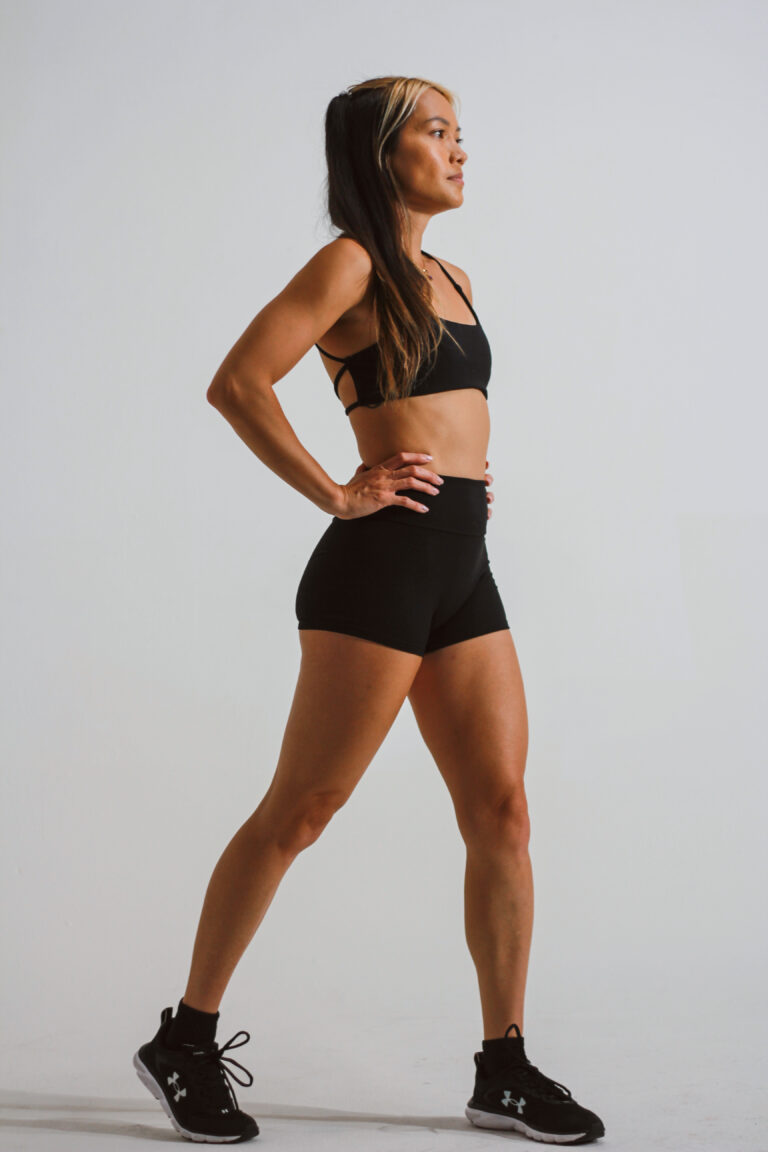
Hey friends, it's Lizzie! One of the questions I get most: “How do you film all your content by yourself?” No, Brandon isn't holding the camera (usually 😂). Here's my honest solo-creator setup — it's simpler and cheaper than you'd think.
The problem with filming solo
Propping your phone against a water bottle and hoping you stay in frame is the creator struggle. You end up re-filming a hundred times, cropped weird or half out of the shot. The fix isn't a film crew — it's a little smart gear.
My setup
A sturdy tripod, decent natural light (film facing a window), and an auto-tracking pod that follows me as I move — which is a game-changer for workout and lifestyle content where I'm not standing still.
My batch-filming routine (how I stay consistent)
Consistency is the whole game with content, and batching is how I make it sustainable without filming every single day. Here's my rhythm:
- Pick one filming day when your hair and makeup are already done — efficiency is everything.
- Plan your clips first. I keep a running notes list of ideas so I'm never staring at the camera blank.
- Film 5–10 clips in one session, changing a top or backdrop between a few so they don't all look identical.
- Always shoot extra B-roll — walking, sipping coffee, tying my wraps. Those clips save every edit.
One good batch day can fuel a whole week of posts, which means you show up consistently even during the busy weeks — and consistency is what actually grows an account. Work smarter, post steadier.
Done beats perfect
The biggest thing holding most creators back isn't gear — it's waiting to feel “ready.” A slightly-imperfect video you actually post will always beat the perfect one still sitting in your camera roll. Set up, hit record, and let yourself be a work in progress. 🎥
After I hit stop: my no-fuss editing flow
Filming is honestly only half of it. The part nobody warns you about is the pile of clips sitting on your phone afterward, staring you down. Here’s my real truth: I edit everything right on my phone, and I keep it stupid simple so I actually finish. If editing feels like a whole production, you’ll never post it, and posting is the entire point.
My rough rhythm once I’ve filmed a batch:
- Watch back and delete the obvious duds first, so I’m not scrolling past twelve takes of the same clip trying to find the good one.
- Trim the dead air off the front and back. That awkward second where I’m walking over to hit record is where a lot of people lose the viewer before you’ve even started.
- Add captions, always. So many people watch with the sound off, and captions are what keep them from swiping past.
- Layer a little B-roll over the talky parts so it doesn’t feel like one long selfie video.
That’s really it. Done-and-posted beats perfect-and-buried every single time.
Filming solo when you feel a little silly
Real talk: the hardest part of solo content isn’t the tripod or the tracking pod, it’s talking to a phone in a quiet room and feeling completely ridiculous. I still feel it sometimes and I’ve been doing this a while, so if that’s you, you’re normal.
What genuinely helps me get over the cringe: I try to film when I actually have the space to myself, so I’m not low-key performing for whoever’s on the couch. When I can’t get that, I pop in headphones and pretend I’m just telling a friend about my day. That little shift from “presenting” to “chatting” loosens me up instantly. I’ve also made peace with the fact that my first couple of clips are always my worst, so I treat them as throwaway warm-ups I’ll delete. That takes the pressure off the takes that actually count. The lens picks up on tension, and the second you relax, everything looks better. It’s just you and a camera, and you can redo it as many times as you need.
🎥 How I film hands-free: Pivo
The auto-tracking pod that follows me around the room so I stay perfectly in frame while I move — solo-creator magic. Code LILO at checkout.
My quick filming tips
- Face the light — a window beats any ring light for free.
- Batch your content — film 5–10 clips in one setup so you're not doing hair and makeup daily.
- Shoot more than you need — angles and extras save you in editing.
You don't need to be a videographer to make content that looks put-together — you just need to stay in the shot. 🎥🌴
Quick questions
How do you film content alone? A sturdy tripod plus an auto-tracking pod that follows you as you move keeps you in frame hands-free.
What's the best lighting setup? Face a window — natural light beats any ring light, and it's free.
How do I stay consistent with content? Batch-film several clips in one session so you're not doing hair and makeup every day.
How do you film content by yourself? A tripod and a phone timer covers most of it. Remote shutters and auto-tracking mounts help, but they are upgrades rather than requirements.
What is the hardest part of filming solo? Framing without a second person to check. Filming a few seconds and reviewing before the real take saves a lot of unusable footage.
Do you need expensive gear? No. Recent phone cameras are more than sufficient; lighting and steady framing matter far more than the camera itself.